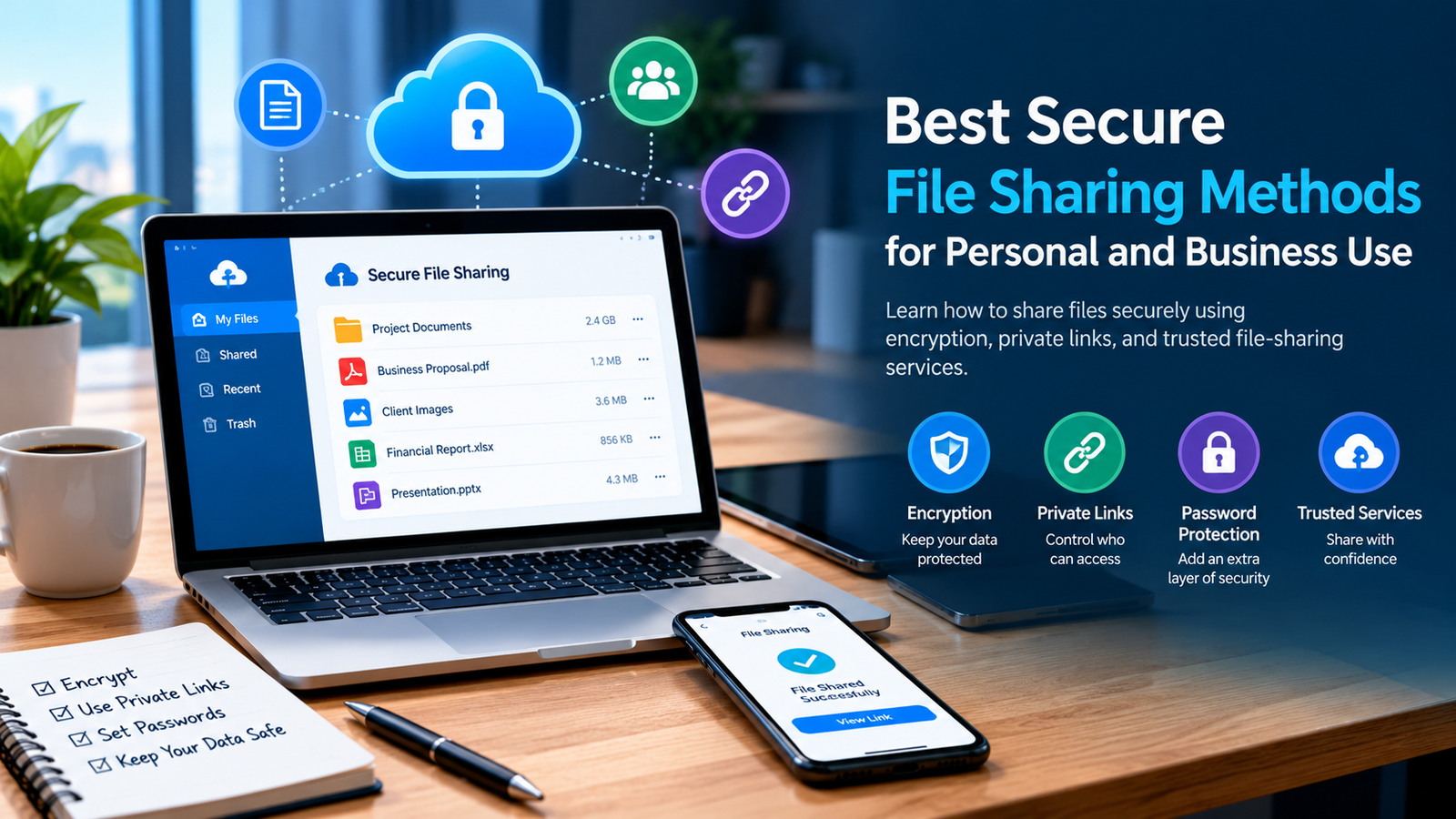
SEO Title: Best Secure File Sharing Methods for Personal and Business Use
Meta Description: Discover the best secure file sharing methods for personal and business use. Learn about encryption, password protection, private links, and data security.
Suggested URL: /best-secure-file-sharing-methods/
Category: Technology & Cybersecurity
Introduction
Sharing files online has become an essential part of modern life. Individuals use the internet to send photographs, videos, documents, and personal files, while businesses rely on digital file sharing to collaborate with employees, clients, and partners.
Although sharing files is convenient, it can also create privacy and security risks. An incorrectly configured link, a weak password, or an unreliable website could expose confidential information to unauthorized people.
Choosing the right file-sharing method can help protect your information while making it easier to exchange files. In this guide, we will explore different secure file-sharing methods, important security features, and practical tips for protecting personal and business documents.
1. Use Reputable Cloud Storage Services
Cloud storage allows you to upload files to remote servers and access them from different devices. It is a convenient option for storing photographs, documents, presentations, and other digital content.
Many cloud storage platforms provide sharing links, access permissions, automatic synchronization, and file recovery features.
Before selecting a service, review its security documentation and privacy policy. Check how the provider protects stored information, who can access shared files, and whether you can revoke access when necessary.
For business use, consider platforms that offer administrative controls, activity logs, and team management features.
2. Choose File Sharing With Strong Encryption
Encryption helps protect information from unauthorized access. However, it is important to understand the difference between encryption during transfer and encryption while files are stored.
Encryption in transit protects information as it travels between your device and a service. HTTPS is a common technology used for this purpose.
Encryption at rest protects stored information on servers or storage devices. Some services also provide end-to-end encryption, which is designed to prevent the service provider from accessing the unencrypted contents.
Not every file-sharing platform offers the same protections. Check the provider’s documentation before uploading confidential business records or sensitive personal information.
3. Protect Files With Passwords
Password protection can provide an additional layer of security when sharing private documents.
Some platforms let you set a password for a shared link, while other tools allow you to encrypt an individual file or archive.
For better protection:
- Use a strong, unique password.
- Avoid predictable passwords based on names or birthdays.
- Send the password through a separate communication channel.
- Limit access to the people who actually need the file.
- Change or revoke access when the file is no longer needed.
A password alone does not guarantee security. The underlying service, encryption method, and way you share the password also matter.
4. Use Private and Restricted Sharing Links
A sharing link can make file transfers simple, but not every link is private.
Some services allow anyone with a link to view or download the file. Other platforms let you restrict access to specific accounts, require authentication, or set an expiration date.
For confidential files, choose the most restrictive permissions that still allow recipients to complete their tasks.
Before sending a link, double-check the sharing settings. If a document was originally intended for one person, make sure you have not accidentally enabled public access.
Remember that recipients may still download, copy, or redistribute files they are permitted to access.
5. Consider Temporary File-Sharing Services
Temporary file-sharing services are useful when you need to transfer a file without keeping it online indefinitely.
Depending on the provider, you may be able to set an expiration time, limit the number of downloads, or automatically remove uploaded content after a specified period.
These services can be suitable for temporary project files, large documents, or one-time transfers.
However, temporary links do not guarantee that every copy will disappear. Recipients may save files before a link expires, and providers may retain backups according to their policies.
Always review the service’s retention rules before using it for sensitive information.
6. Secure Business Documents and Client Information
Businesses often exchange contracts, invoices, financial records, customer documents, and confidential project files. These materials may require stronger controls than ordinary personal photographs.
Organizations should establish clear file-sharing policies that explain who can upload, download, and distribute sensitive information.
Useful safeguards include:
- Role-based access permissions.
- Multifactor authentication.
- Encryption and secure transfer protocols.
- Audit logs for sensitive file activity.
- Regular access reviews.
- Employee training on phishing and suspicious links.
- Procedures for removing access when a project ends.
Businesses handling regulated information should also evaluate applicable legal requirements and the service provider’s contractual security commitments.
7. Avoid Suspicious File-Sharing Websites
Not every website that offers free uploads is trustworthy. Some services may use deceptive advertisements, request unnecessary permissions, or redirect users to suspicious downloads.
Before uploading a file, check the website’s domain, privacy policy, security information, and reputation.
Be cautious if a service requires unrelated personal information or asks you to install unfamiliar software to download a document.
Keep your browser and operating system updated, and use reputable security software where appropriate. Never enter account credentials on a page simply because it appears alongside a file-sharing link.
8. Compare File-Sharing Options Before Choosing
The best file-sharing method depends on the file type, privacy requirements, budget, and intended recipients.
| Method | Best use | Important consideration |
|---|---|---|
| Cloud storage | Ongoing storage and collaboration | Review sharing permissions |
| Encrypted transfer | Protecting files during transmission | Verify the encryption provided |
| Password-protected links | Adding access restrictions | Share passwords securely |
| Temporary links | Short-term file transfers | Check expiration and retention rules |
| Business sharing platforms | Team and client documents | Review administrative controls |
Free plans can be sufficient for everyday sharing, while professional plans may offer larger storage limits, better management features, and additional security controls.
Compare the actual features and costs before committing to a service.
9. Create a Secure File-Sharing Routine
Good security practices are most effective when they become part of your regular workflow.
Before sharing a document, check whether it contains sensitive information. Remove unnecessary personal details and confirm that the intended recipients have the correct permissions.
After the transfer is complete, revoke access if it is no longer required. For important business records, follow your organization’s retention and deletion policies rather than removing files without considering recordkeeping obligations.
You should also keep backup copies of important files in a separate, secure location. A sharing platform should not automatically be treated as a complete backup solution.
Conclusion
Secure file sharing helps individuals and businesses exchange information while reducing unnecessary privacy risks. Cloud storage, encrypted transfers, restricted links, and password protection can all be useful when applied correctly.
The most important step is choosing a reputable provider and understanding how its security features work. Review permissions before sharing, protect sensitive files with appropriate safeguards, and remove access when it is no longer needed.
By following these practices, you can make online file sharing more secure, organized, and reliable.
Frequently Asked Questions
What is the safest way to share files online?
Use a reputable platform that provides appropriate encryption, access restrictions, authentication, and clear privacy policies. The best choice depends on how sensitive the files are.
Are free file-sharing websites safe?
Some are reliable, but security varies. Check the provider’s reputation, privacy policy, encryption practices, and access controls before uploading private information.
Is cloud storage secure for business documents?
It can be, provided the service offers suitable security features and is configured correctly. Businesses should evaluate access management, encryption, audit logs, and applicable compliance requirements.
How can I share a file privately?
Use a restricted sharing link, allow access only to intended recipients, enable additional authentication where available, and verify the permissions before sending the link.
Do temporary file links guarantee privacy?
No. They may limit how long a file is accessible, but recipients could save copies before expiration. Provider retention policies may also affect when uploaded data is deleted.